See inside every box, without opening it.
You own it. You just cannot find it. Basic Bins turns your storage into an inventory you can search: photograph things as they go in and they name themselves, stick a label on the box, and months later ask your phone instead of digging.
Free for one location and 50 items. Premium $59.99 a year.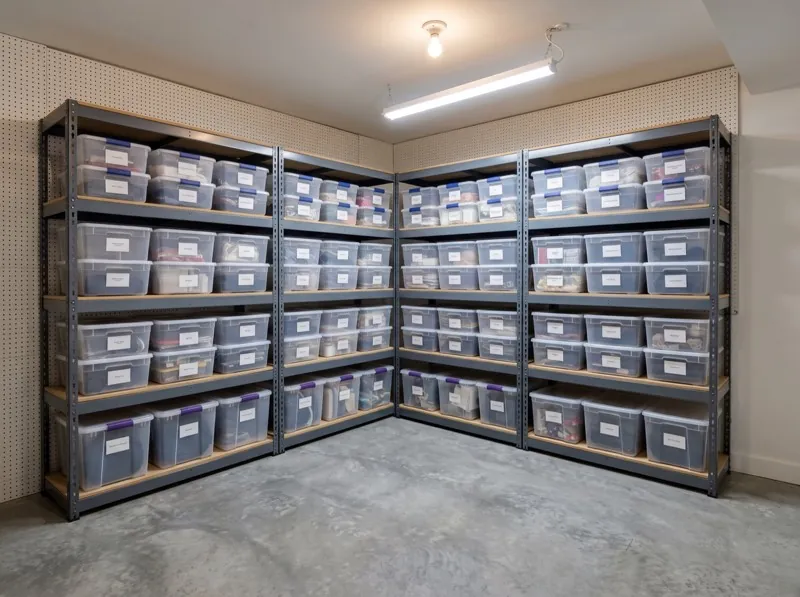 Basement
 Winter coats
 Board games
 Snow boots
 Roller covers
 Painter's tape
 Drop cloths
 Wall paint
 Storage Unit 214
 Lantern
 Camp stoveOut · Greyson · 7d
 Four-person tent
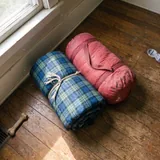 Sleeping bags
 Inflatable snowman
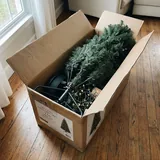 Artificial tree
 String lights
 Ornament boxes
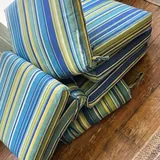 Chair cushions
 Umbrella cover
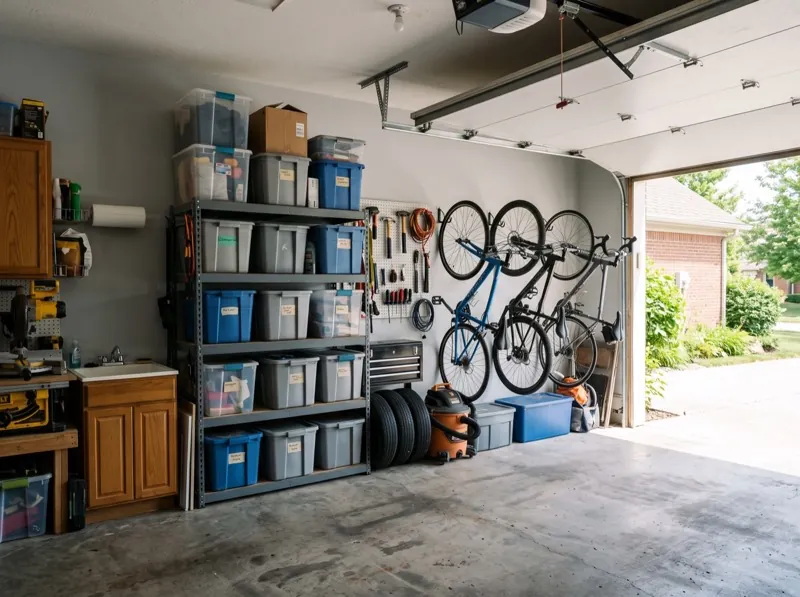 Garage
 Garden hose
 Hedge trimmer
 Leaf blower
 Attic
Attic School yearbooks
 Wedding china
 Photo albums
 Extension ladderGreyson · 7dGarageCamp stoveGreyson · 7dStorage Unit 214 › Camping Gear
Tap a location.
Point, shoot, it names itself.
Photograph what goes in the box. The name writes itself while you keep packing.
If it guesses wrong, fixing it is one tap, and nothing ever waits on you to finish a form. You catalog at the speed you can pack, not the speed you can type.
Camera naming is included on the free plan.
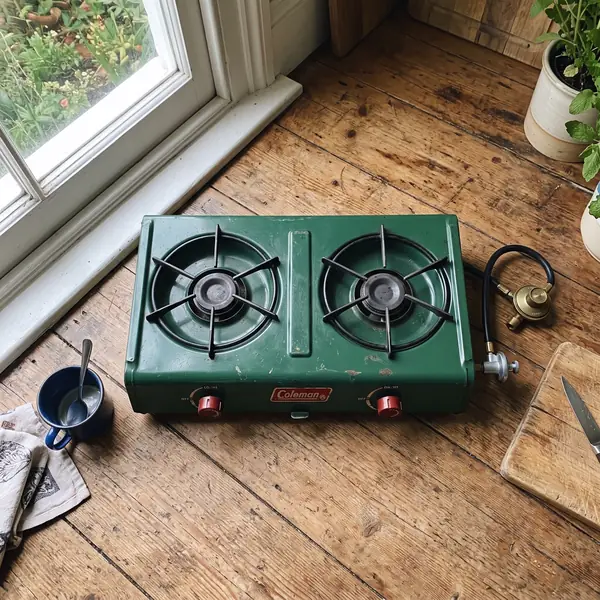 Sleeping…Lantern
Not everything lives in a box.
Locations hold boxes. Boxes hold items. The bike, the ladder, and the floor lamp live loose in the location, because a box was never going to hold them.
Move an item to another box, or move a whole box to another location. A note or a count goes on anything: six folding chairs, the drill that is missing its charger.
GarageKnow who has the camp stove.
Take something out and your name goes on it. Anyone in the household can see who has it and for how long, and putting it back clears it.
Tap an item, then take it out or put it back.
Extension ladderGreyson · 7dGarageCamp stoveGreyson · 7dStorage Unit 214 › Camping GearEverything that left, on one screen.
Stick a label on it, scan it later.
Every box gets a QR label. It prints on plain paper or sticker sheets from your own printer, so there is nothing to buy.
Scan it with the iPhone Camera and the whole box comes up. No opening, no digging, no pulling a tote down from a shelf to find out it is the wrong one.
Scanning this with the iPhone Camera opens Basic Bins straight to this box.
Where is the lantern?
Storage Unit 214, then Camping Gear. The box, not just the fact it exists.
Search reads names and notes, and when nothing matches exactly it shows the closest thing. Your things turn up in iPhone search too.
Type in the phone. It searches the 26 things in this demo.
LanternStorage Unit 214 › Camping GearTheir garage, in your app.
Storage is rarely one person’s problem. Invite the people you live with and you all see the same bins, all add to them, and all know what left.
Whoever you invite joins free.
Basement2 boxes · 7 itemsStorage Unit 2143 boxes · 10 items · 1 outGarage1 box · 6 items · 1 outAttic1 box · 3 items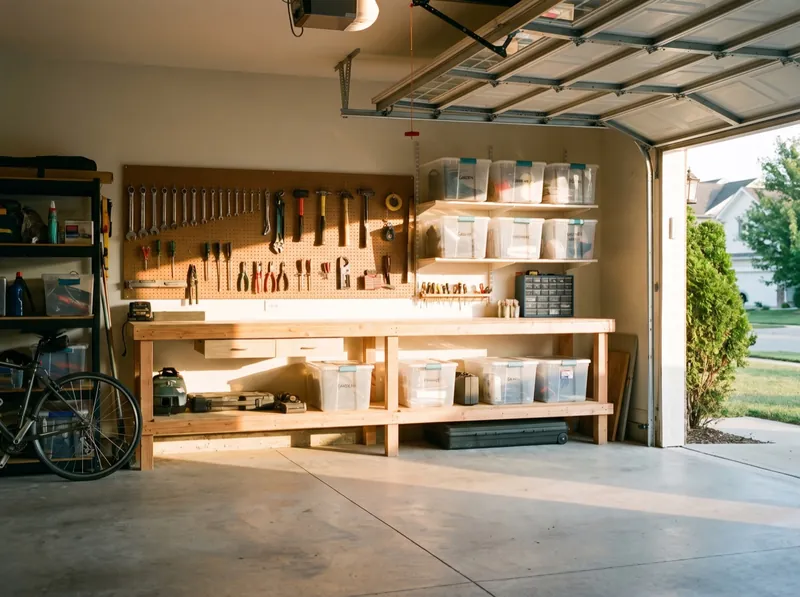 Mom & Dad's Garage1 box · 3 items
Six color schemes, all free.
Default, Ink, Sage, Drift, Stealth and Mono. Change the whole app in a tap, on either plan.
Basement2 boxes · 7 itemsStorage Unit 2143 boxes · 10 items · 1 outGarage1 box · 6 items · 1 outAttic1 box · 3 itemsYours, not ours.
No account to create. Your locations, boxes, items, and photos sync across your own devices through iCloud, and they live in your iCloud, not on our servers.
Export a backup any time and keep it wherever you like. Print the inventory for insurance, a move, or an estate, with replacement values totaled box by box, or open the whole thing as a spreadsheet.
LanternCamp stoveOUT Sep 7 · Greyson$89.99Four-person tentSleeping bagsInflatable snowmanArtificial treeString lightsOrnament boxesChair cushionsFree is a real inventory. Premium lifts the ceiling.
Free
One location and fifty items, with QR labels and camera naming included rather than held back.
- One location and 50 items
- Camera naming, included
- A QR label for every box, from your own printer
- Take out and put back, with who has it
- Search, notes, counts and replacement values
- All six color schemes
- iCloud sync, backups, the printable inventory and the spreadsheet
Premium
As many locations and items as you have, plus household sharing.
- As many locations and items as you have
- Household sharing with the people you live with
- Whoever you invite joins free
- Everything you cataloged stays yours, and stays readable if you ever stop
Renews yearly until canceled. Manage or cancel any time in your Apple Account settings.
The rest of the inventory.
Adding things
- Photograph it and it names itself
- One tap to fix a wrong guess
- A note or a count on anything
- Replacement values where they matter
- Retake a photo any time
Finding things
- Search names and notes
- The closest match when nothing fits exactly
- Your things in iPhone search
- Scan a label to open its box
- Everything out, on one screen
Keeping it
- Locations, boxes and loose items
- Move an item or a whole box
- Six color schemes
- iCloud sync across your devices
- Backups, the printable inventory and a spreadsheet
- 01
Your inventory as a spreadsheet
Export your whole inventory as a spreadsheet from Settings. One row per item, values that add up, and it opens in Numbers, Excel and Google Sheets.
- 02
Restores that wait for iCloud
Restoring a backup on a new phone waits for iCloud to finish loading your library first, so nothing ends up in twice.

Basic Checkbook
A modern checkbook register that brings clarity to your finances.

Ink.
Editorial paper-themed notes, written by voice. iCloud sync across iPhone, iPad, and Mac.

Basic Intake
Supplement tracking with an AI advisor, streaks, and caregiver mode.

Drift
60-second micro-decompression, breathe, touch, listen, reset.

Basic Fidgit
Fifty-six tactile screen fidgets with real haptics and sound.

Basic Deck
A frosted grid of tiles pinned to your Mac desktop. Launch anything in one click.